Share websites and files
The web backend mode lets you share a local directory over HTTP. Depending on the contents of the directory, zrok
serves it either as a browsable file index or as a static website.
Share a directory as a file index
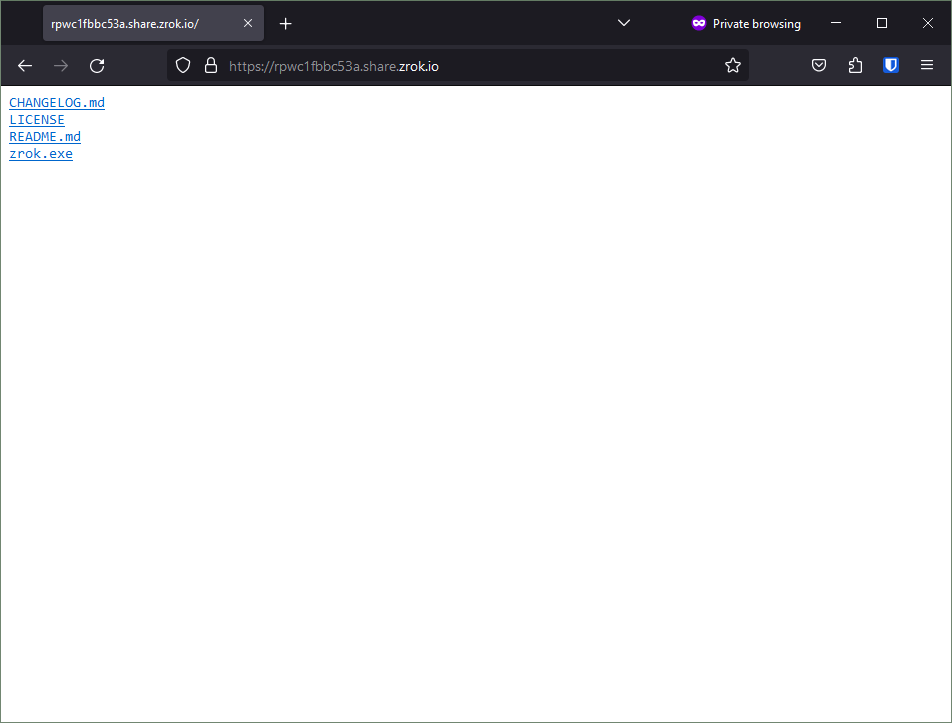
If your directory contains files without an index.html, zrok serves a browsable file tree. For example:
-rw-r--r--+ 1 Michael None     7090 Apr 17 12:53 CHANGELOG.md
-rw-r--r--+ 1 Michael None    11346 Apr 17 12:53 LICENSE
-rw-r--r--+ 1 Michael None     2885 Apr 17 12:53 README.md
-rwxr-xr-x+ 1 Michael None 44250624 Apr 17 13:00 zrok.exe*
-
Open a terminal and navigate to the directory you want to share.
-
Run:
zrok2 share public --backend-mode web . -
Access the share. zrok provides a browsable file index where visitors can navigate the file tree and download files.
Share a static website
If your directory contains an index.html, zrok serves it as a static website instead of a file index. For example:
-rw-rw-r--+ 1 Michael None 56 Jun 26 13:23 index.html
Where index.html contains valid HTML:
<html>
<body>
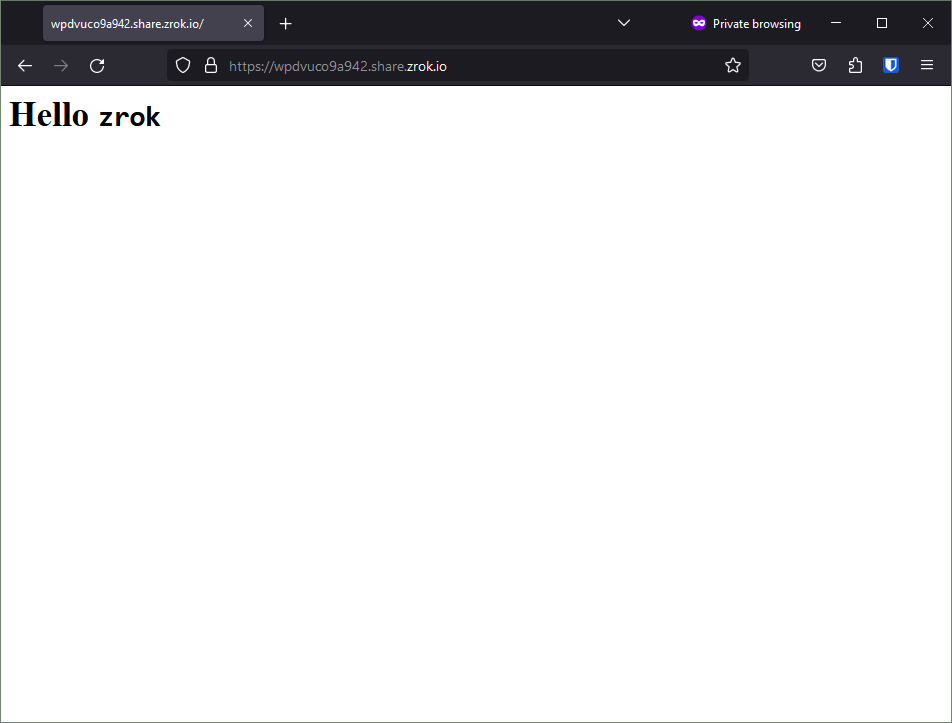
        <h1>Hello <code>zrok</code></h1>
</html>
-
Open a terminal and navigate to the directory containing your
index.html. -
Run:
zrok2 share public --backend-mode web . -
Access the share. zrok renders the HTML directly in the browser: